Game guide
Explains how Hold My Bolt! is played from start to finish. The same text is in the game under "How to play" in the main menu and the Esc menu; both are updated together whenever the game changes.
The goal
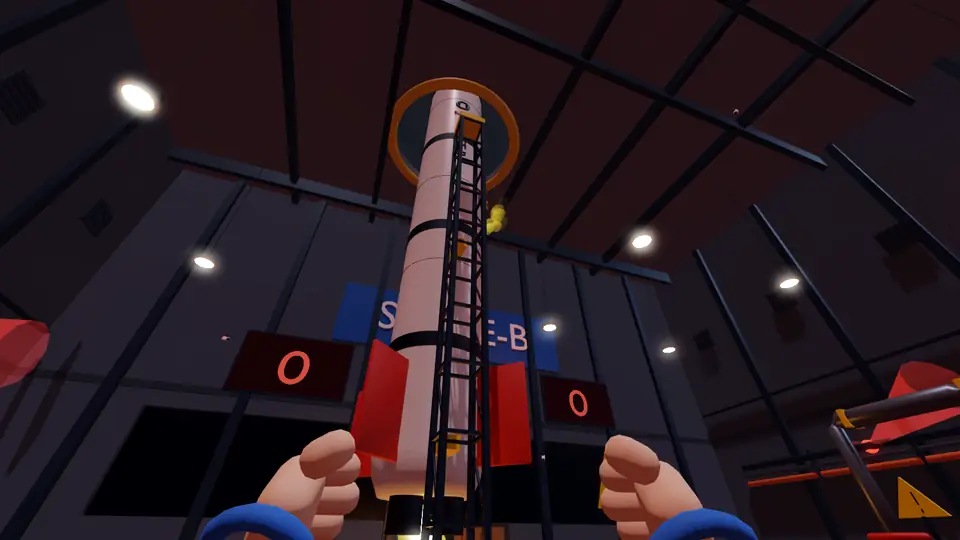
At the Space-B rocket facility the launch was approved long ago. The game starts with a calm shift (30–60 seconds; 10–70 can be picked in the lobby). Then the rocket breaks down, the alarm goes off and launch is about 3 minutes away. The launch can't be cancelled: when time runs out the rocket lifts off by itself.
Every game is played with four characters: the manager, the engineer, logistics and the technician. Nobody sees the whole picture. The manager knows the alarm signal, the engineer the manual, logistics the warehouse, the technician the fitting spots on the rocket. Tell each other what you see, find the right parts in the warehouse and fit them to the rocket the right way.
Once every part is fitted correctly the countdown jumps to 12 seconds and the engines ignite, so a team that finishes early doesn't wait around. After lift-off comes the results screen. A game is a single shift.
Starting a game
The main menu offers:
- Play solo: starts right away with three bots.
- Create room: makes a 6-digit code. You can make the room public; then it shows up in the open rooms list.
- Join: type your friend's code. Quick join puts you in an open room with a free seat. You can also pick from the open rooms list.
- Watch a game: watch games in progress in public rooms (see "Watching a game" below).
- In the lobby the room's creator assigns each role to a player or a bot (or leaves it random), picks the difficulty and the calm time, can remove a player, and presses Start. You can also turn on and test your microphone in the lobby.
- An online game runs in the room creator's browser: they should keep the game tab open and in front. If the creator leaves, the game ends. If someone leaves mid-game, a bot takes over.
- In your first two games your role's job is shown briefly at the top of the screen.
Controls
Your character always runs; there is no walk key. You can change the keys in the settings; the defaults are listed here.
- W A S D: move. Mouse: look around.
- E: interact with what you're looking at (pick up, drop, seat, rotate, window, board, manual). Hold E: screw, hold, hold the valve, remove.
- Left click: slap from the front, goose from behind. Hold it to keep your hand ready, release to strike.
- Right click: kick.
- Q: signal list (or pick with 1–6).
- Enter: text chat (your character stops while you type). Tab: player list (volume, mute, report). Hold V: voice chat.
- A / D: turn the manual's page.
- F: full screen. Esc: releases the mouse and opens the pause menu (resume, settings, how to play, back to lobby, main menu). To leave full screen press Esc twice or hold it.
Phone and tablet
On phones and tablets the game opens in full screen, in landscape.
- Joystick on the left. Drag a finger on the right half of the screen to look around.
- On the right: E (can be held), kick, hand (slap from the front, goose from behind) and the small Q (signal list).
- At the top: menu, and in online games chat and players. The microphone button is in the corner.
- In the manual tap a part to select it and use the arrows to turn pages.
The facility
Parts of the facility:
- The manager's office: on the mezzanine, facing the rocket. The alarm panel is on the back wall, the window that opens is at the front. A spiral staircase leads down.
- The engineer's spot: under the mezzanine. The manual sits on a stand on the desk.
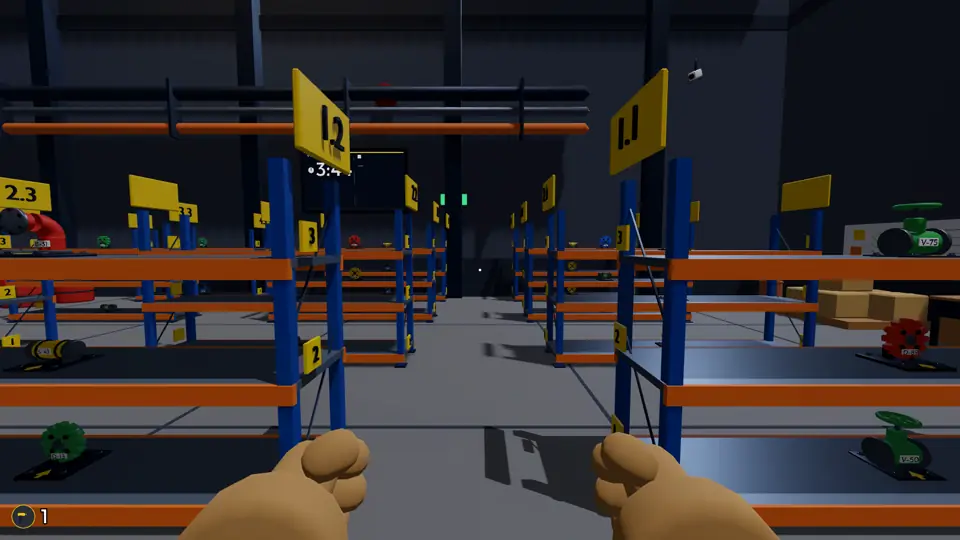
- The warehouse: on the right, 4 shelves in 3 rows, each shelf 3 levels high. Shelf numbers are on the signs.
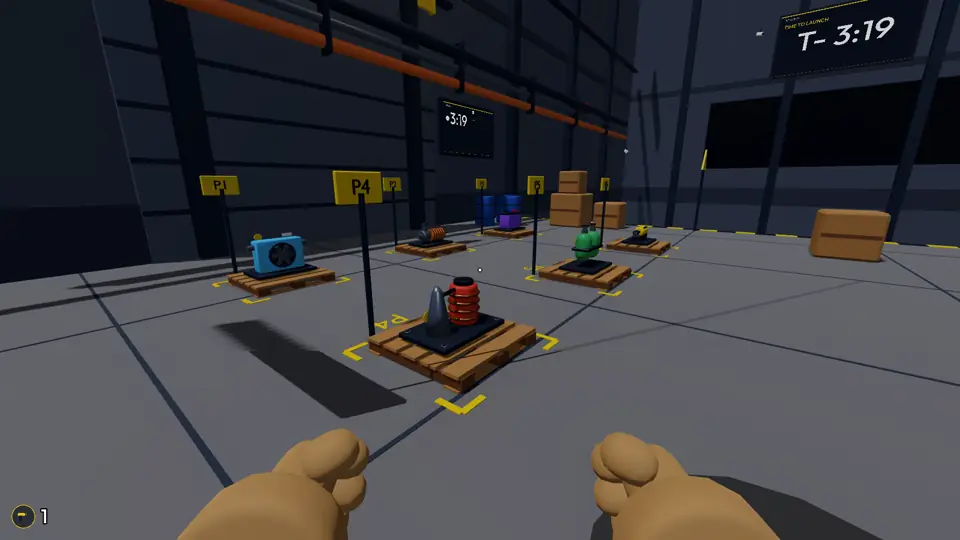
- Heavy parts: on the floor on the toilet side, 6 pallets (P1–P6).
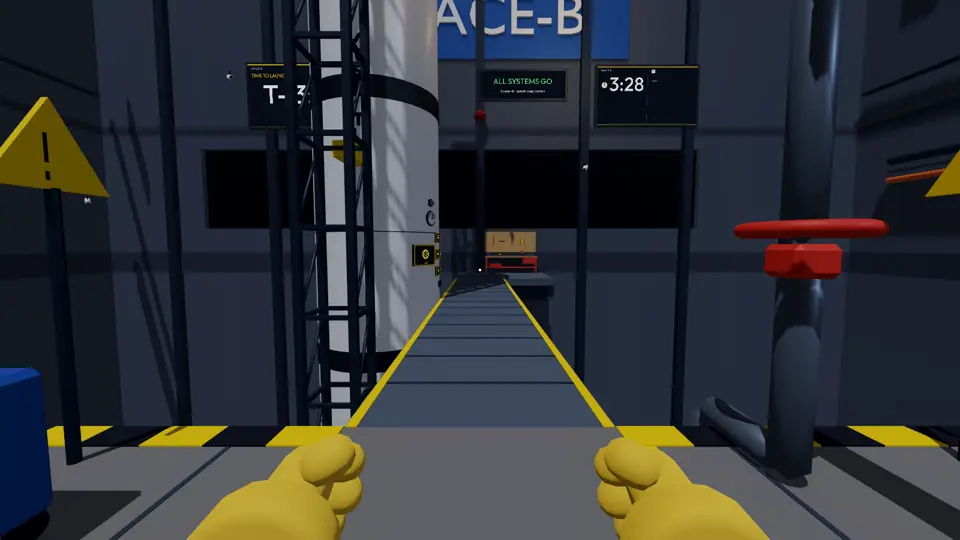
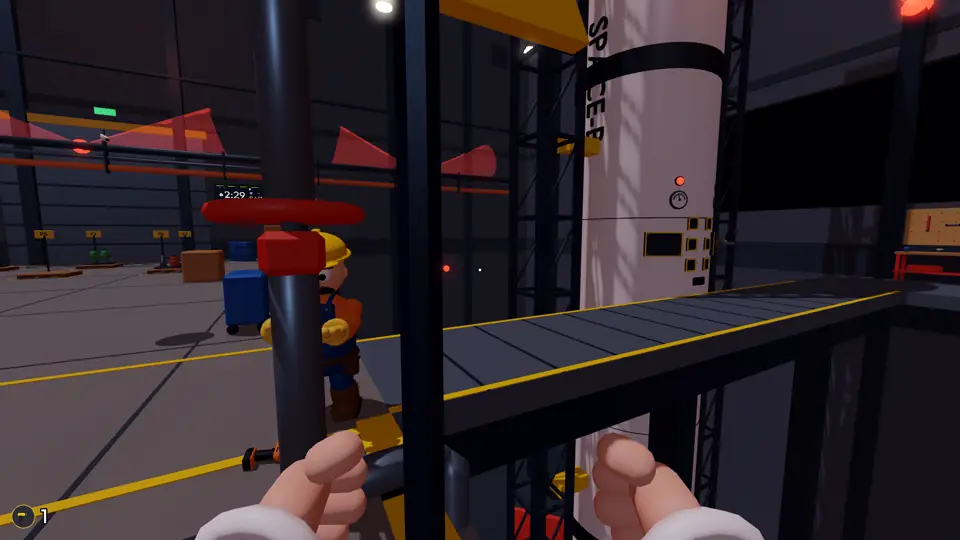
- The pit and the bridge: the floor is cut from wall to wall and below is a deep pit. The bridge runs from the middle of the hall to the rocket; it has no railing. The valve is at the start of the bridge and the technician's workbench (drill and duct tape) at its far end.
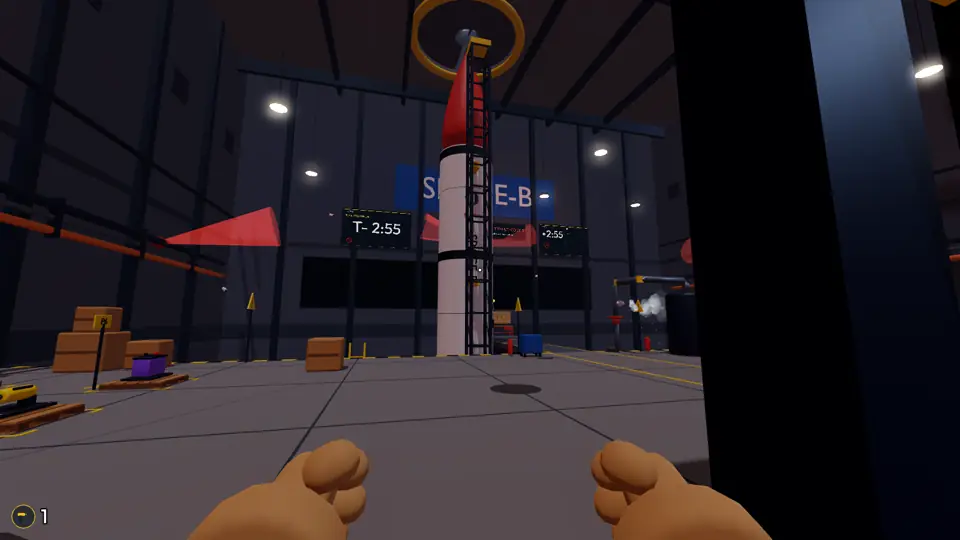
- Wall screens: information everyone needs is not on your own screen but on big screens on the walls: launch clock, fault headline, leak warning and the shared list (the announced signal and the selected parts).
- The toilet: in the back left corner. Anyone who falls into the pit respawns there.
- The launch control room: on the front wall, behind glass. The crew is only scenery and doesn't affect the game.
The manager
Only the manager can read the alarm signal; everyone else sees meaningless shapes on the board.
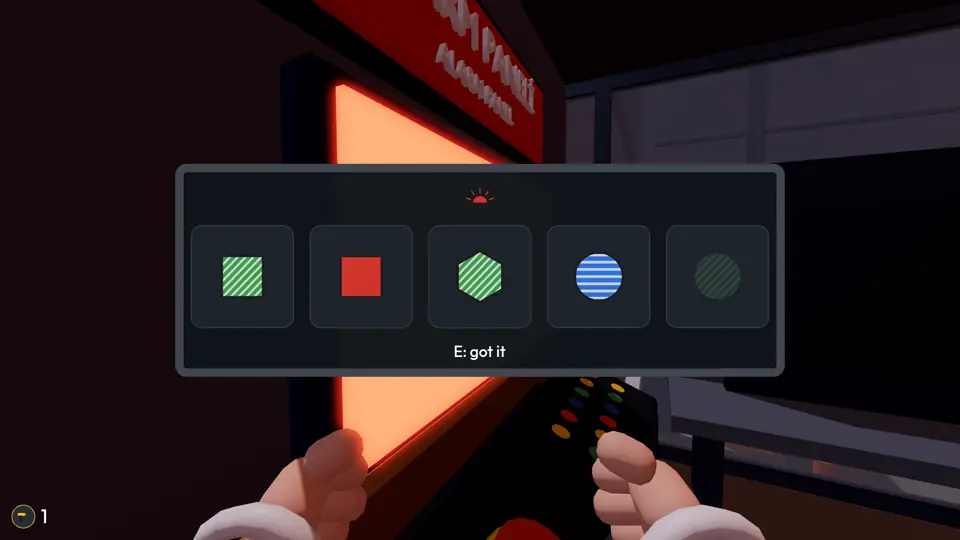
- When the alarm goes off, go to the alarm panel in the office and press E to read the board. It shows 4–6 symbols; only one blinks. What matters is the blinking symbol and how many times it blinks (1, 2 or 3). E: "got it".
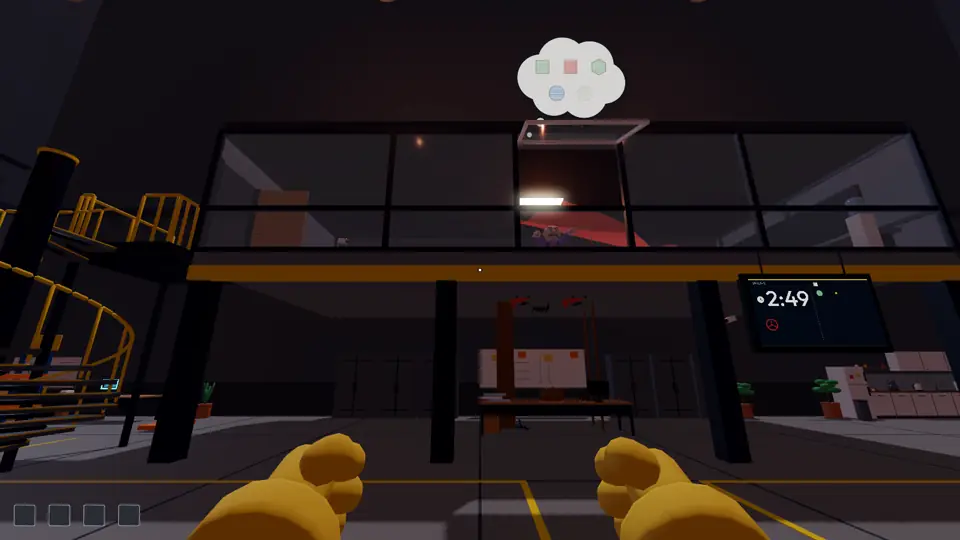
- Go to the window and press E to open it: you lean out and a cloud appears above your head. The cloud shows the board's symbols; the blinking one blinks as many times as on the board, the others are faded. You can't see the cloud yourself; the people below can.
- If the cloud stays up for 3 seconds in one go, the signal goes on the shared list and everyone sees it on the wall screens.
- After the alarm you can lean out for 3 seconds in total. When that's used up the window closes and you can't lean out again that game. If your first lean-out is shorter than 3 seconds, the shared list doesn't get the signal.
- Leaning out before the alarm is free and doesn't use up your time (good for bossing people around).
- You can also go downstairs and tell the signal by voice or text. The office is soundproof: while you're inside, your voice and messages don't get out.
The engineer
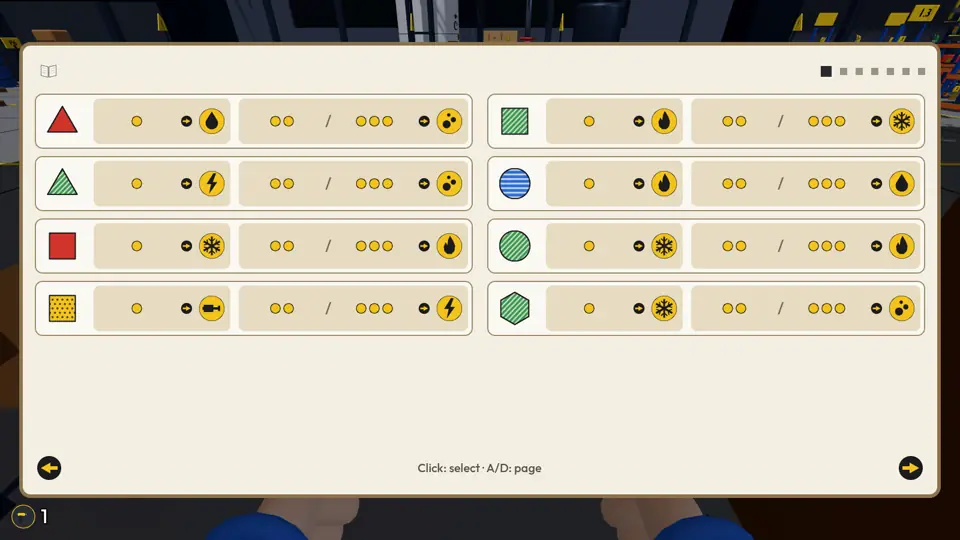
Only the engineer can read the maintenance manual. It sits on the stand on the desk and opens with E. Everyone else sees meaningless shapes on its pages.
- The signal reaches you through the cloud, the shared list, chat or voice: a shape, a colour and a number of blinks.
- Page A: each signal has its own card. Cards are sorted by shape (triangle, square, circle, hexagon), then by colour. Find the signal's card. If it blinked once, the subsystem in the left box is broken; if it blinked 2 or 3 times, the one in the right box.
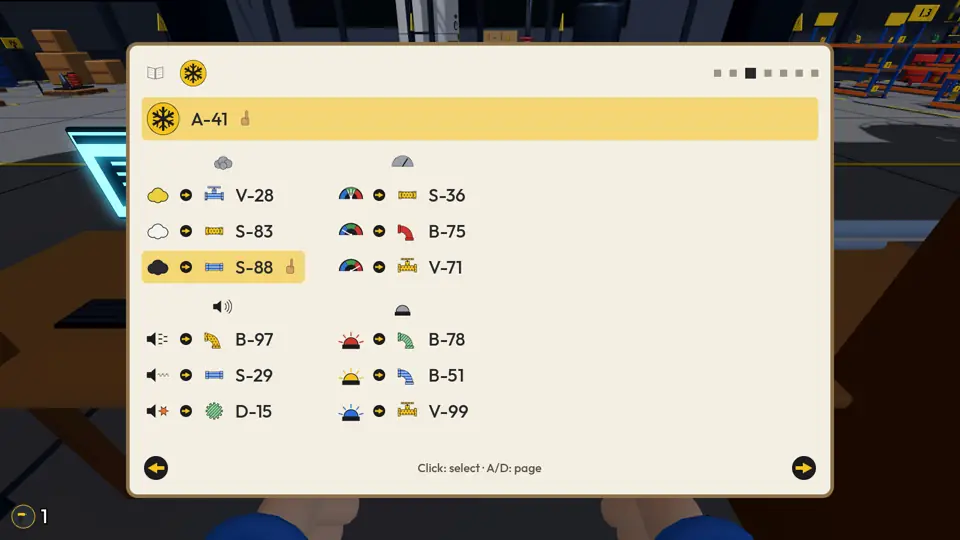
- Go to that subsystem's B page (A / D or the arrows; the subsystem's icon is at the top of the page). The main part is at the top: it is always needed.
- Page B has four symptom tables: smoke, gauge, sound and light. Check each symptom's value on the rocket (or ask whoever is next to it) and pick the part on that row. A normal symptom (no smoke, normal gauge, no sound, light off) needs no part.
- Click a row to select it (tap on a phone). The selected part's code is announced to everyone and goes on the shared list. Click the same row again to undo.
- On easy, empty boxes under page B show how many parts are needed; on medium and hard they don't.
- Others can turn the manual's page once per game to confuse you. You can turn it as often as you like.
The rocket's symptoms
After the alarm the rocket shows symptoms; they tell which parts the broken subsystem needs. Whoever is near the rocket sees or hears them and tells the engineer.
- Smoke: none, black, white, yellow or blue.
- Gauge: normal, low, high or flickering.
- Sound: silent, tick, whine, pop or whistle.
- Warning light: off, red, yellow or blue.
- Depending on difficulty 2–4 symptoms are faulty; each faulty symptom needs one part.
Logistics
Only logistics knows where each part is in the warehouse.
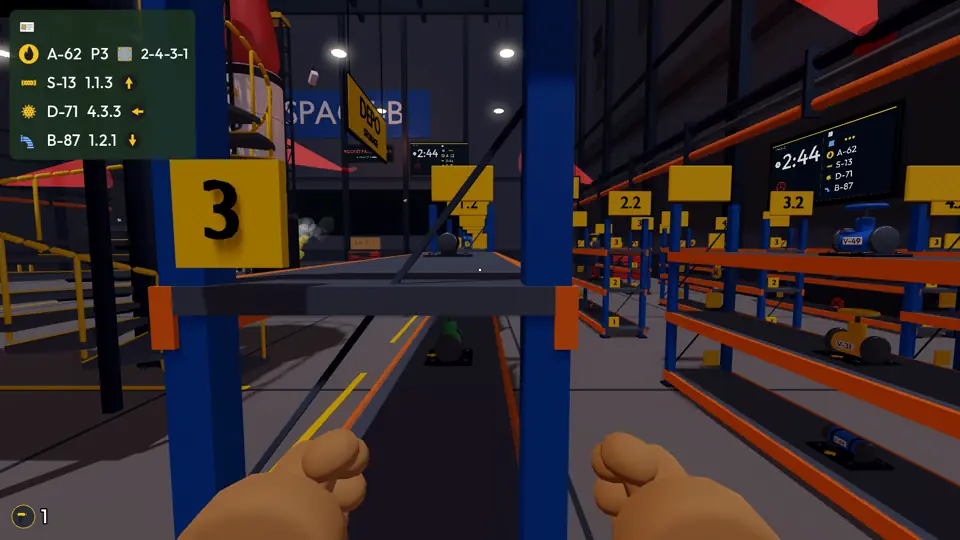
- When the engineer selects a part, a card that only you can see appears at the edge of your screen: the part's code, its address and how it's fitted.
- The address reads shelf.row.level: row is which shelf row counting from the back, shelf is which shelf in that row, level counts from the bottom. Heavy parts have a pallet address (P1–P6).
- Method: for a small part the right direction, for a big part the order of the four screws. Tell the technician.
- The slot you look at on a shelf gets a frame; press E to take it. Everyone can read the codes on the parts.
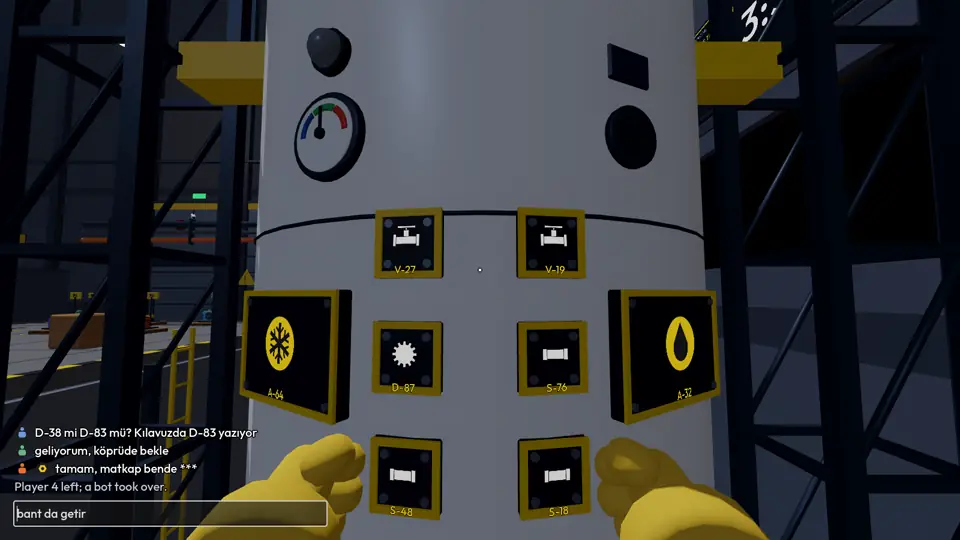
- Watch out for traps: next to the right part sit others with very similar codes (like D-38 and D-83), the same colour or the same type. Compare the code character by character.
- Anyone can take parts from the shelves. A part that falls into the pit reappears on its own shelf; a part left on the floor doesn't.
- You can't lift a big part alone: press Q and say "come hold".
Heavy parts, the bridge and the pit
The main part is big and heavy.
- Alone you can only drag it slowly along the floor; you can't get it onto the bridge, so it stops at the foot of the bridge.
- If someone grabs the other end (E), the two of you lift it, carry it faster and take it up the bridge.
- There is no railing on the bridge or at the edge of the pit. A faller reaches the bottom in 2 seconds, waits 2 seconds, then respawns in the toilet.
- If one carrier slips over the edge, they hang on to the part: if the one on the floor lets go, both fall; the one on the floor can pull the hanging one back up.
- If the drill falls into the pit it reappears on the workbench on easy and medium; on hard a hammer and nails appear instead. The duct tape only reappears on easy.
The technician
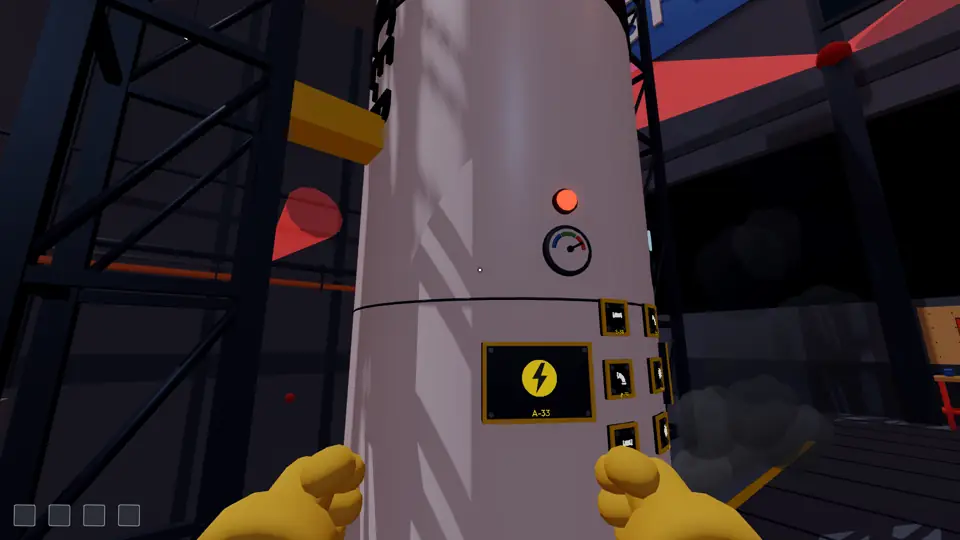
Only the technician knows where on the rocket a part goes: each fitting spot shows the outline and code of the part that belongs there, visible only to them. The rocket has more spots than needed, and you can't tell from outside which ones are faulty.
- The drill is on the workbench at the end of the bridge; take it with E.
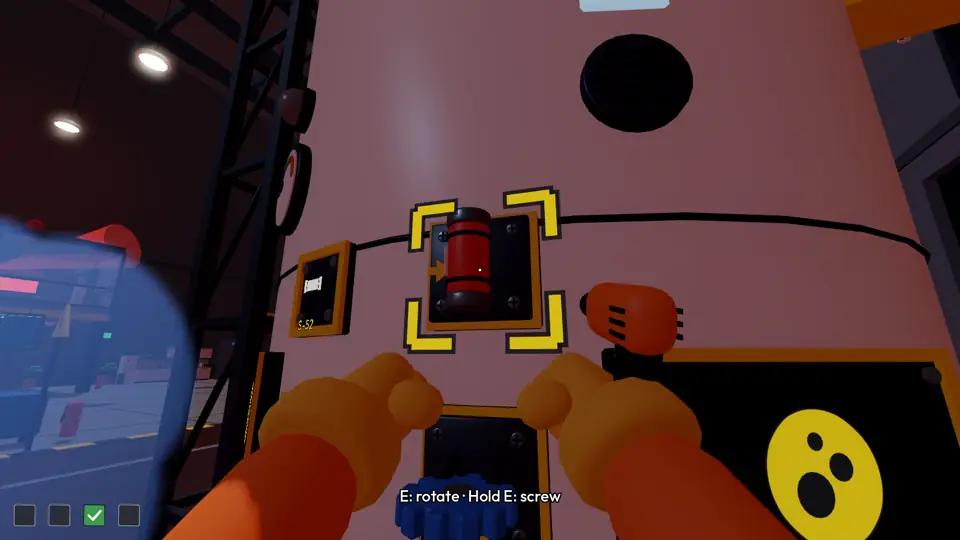
- Small part: bring it to the fitting spot, press E to seat it, press E to turn it a quarter turn at a time until it faces the direction logistics told you, then hold E to screw it in.
- Big part: someone holds the part in place (hold E) while you tighten the four screws in the order logistics told you. If the holder gets slapped or kicked, they let go.
- Only the technician can remove a wrongly fitted part (hold E); the right one can only go in after that.
- While there is nothing to fit, hold the valve (see below) and go fit parts once they reach the bridge.
- Everyone who isn't the technician gets one fitting per game: grab the drill and screw any small part into any spot. Your remaining fitting shows in the corner of the screen.
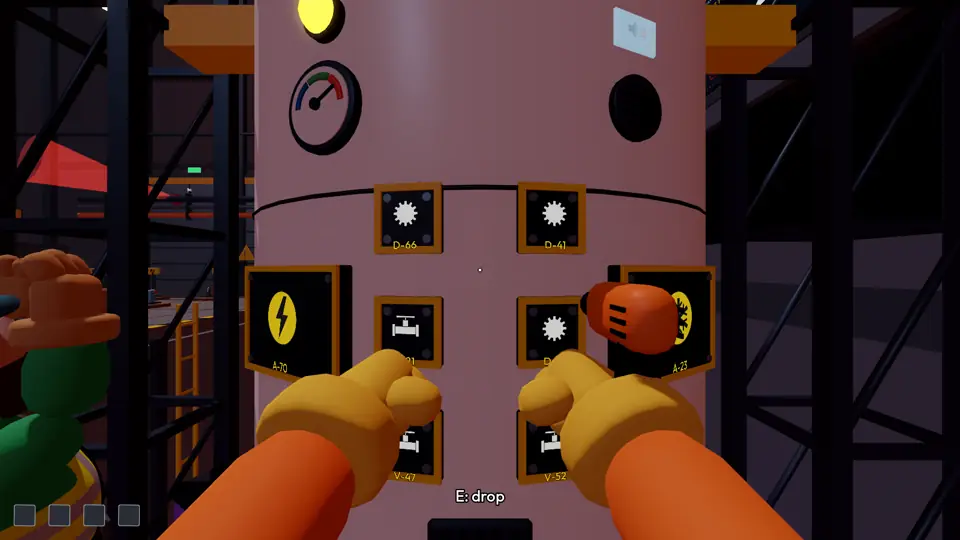
Fault boxes
The technician's screen has a box for every part that's needed; it doesn't matter who fitted it.
- Tick: right part, right spot, right method.
- Yellow: right spot but not quite right: wrong direction or screw order, a look-alike part (D-83 instead of D-38), same type in another colour, nailed in, or taped without screws. Remove it and fit the right one and it turns into a tick.
- Empty: nothing useful fitted (wrong spot, a different type of part).
The valve and the leak
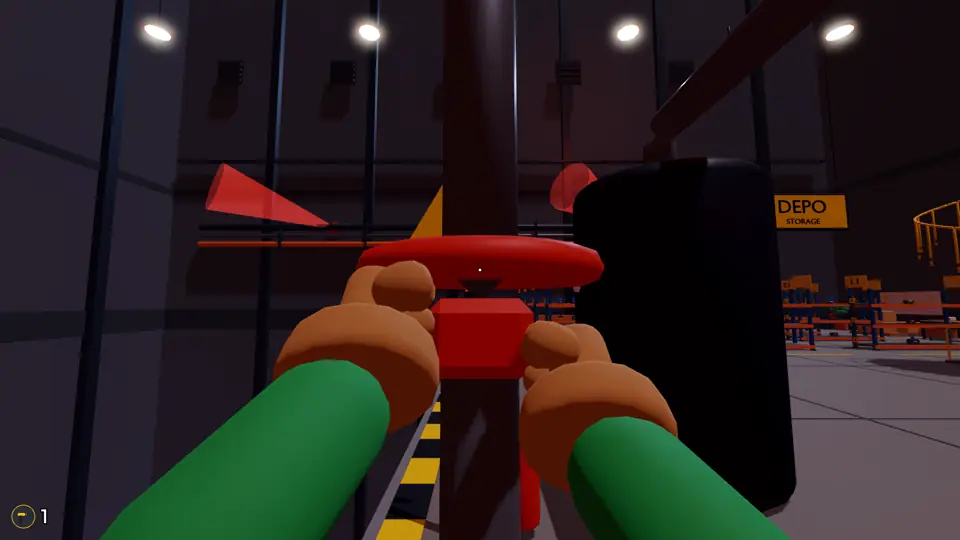
There is a valve on the pipe at the start of the bridge. If someone holds it (hold E), the countdown slows down; if nobody does, it speeds up and a valve icon blinks on the wall screens. Anyone can hold it; among the bots only the technician bot goes to it. You can't hold the valve with your hands full.
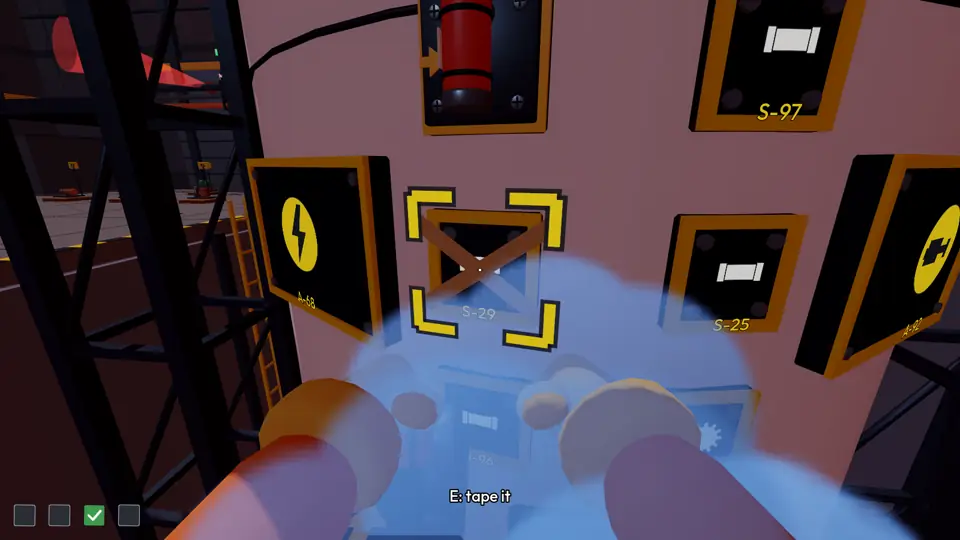
Duct tape
The duct tape is on the workbench; anyone can pick it up and use it. Every strip goes "riiip"!
- Look at a seated but unscrewed part and press E to tape it. Left untaped it falls off at lift-off; taped it counts as yellow.
- Tape a yellow part and it holds firm at lift-off (untaped yellows wobble and smoke).
- Taping an empty spot alone isn't enough: the tape snaps and the rocket explodes.
- Rescue: if there's no time to bring the right part, a player holds any wrong part in the empty spot and someone tapes them to the rocket (look at the player with the roll and press E). The taped player flies with the rocket and saves the spot. If there's more than one empty spot, or the empty spot is the big part's, two people must be taped. Someone taped empty-handed saves nothing.
- You can tape bots too, and tell a bot "tape me" or "get taped" with Q.
- A taped player breaks free by mashing E for a few seconds; someone else can untape them by holding E.
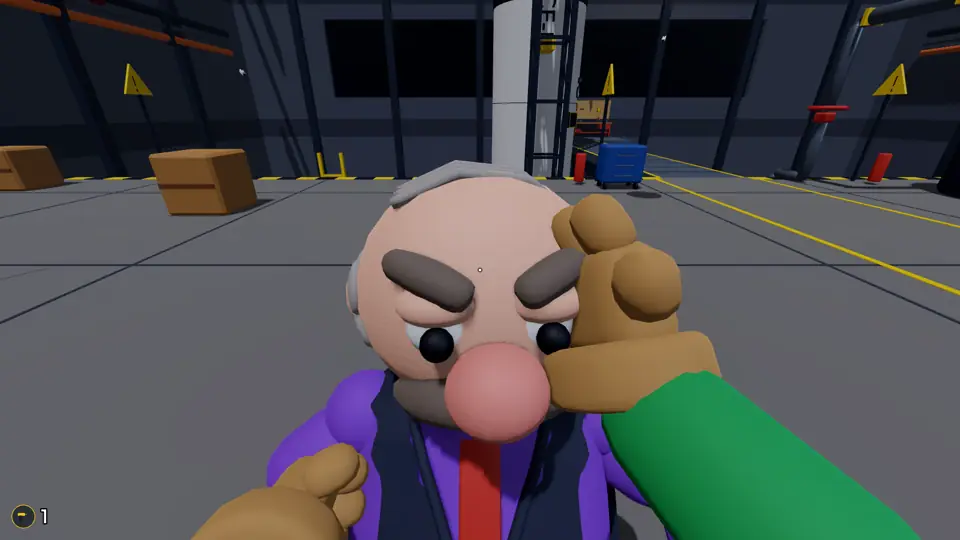
Slap, kick, goose
Chaos is part of the game; it neither gains nor loses points.
- Left click: slap whoever is in front of you, goose whoever you sneak up on from behind. Hold it to keep your hand ready.
- Right click: kick. With nobody in front of you it sends an item on the floor flying; an item at the edge of the pit goes over. There's a 1-second wait after a kick.
- Whoever gets hit drops what they're holding. Slaps and kicks make people stagger, and with no railing on the bridge they can knock someone into the pit.
- There's only one drill: if someone grabs it, the technician can't fit anything until they get it back.
Talking and the signal list
Game information is shown with icons, so players who speak different languages can play together.
- Signal list (Q or 1–6): look here, come hold, tape me, get taped, yes, no. Bots follow these.
- Text chat: Enter. The manager's messages don't get out of the office.
- Voice chat: turn on your microphone in the lobby; talk while holding V ("always on" can be chosen in the lobby). Everyone hears everyone; only the office is soundproof. Voice is never recorded.
- Tab: player list with per-person volume, mute and report. In public rooms strangers start muted.
Bots
Bots play the roles that real players don't fill.
- Bots don't hear voices or read text; they follow the signal list and the shared list. If a human engineer picks a wrong part, a bot logistics brings that part.
- They make the odd mistake, more often on higher difficulties.
- Each bot plays at most 3 pranks per game (slap, kick or goose); prank one and it hits back half the time.
- The bot manager comes down to the hall after announcing the signal. The bot technician holds the valve when it has nothing to fit.
- Bots can apply tape and be taped to the rocket; they don't get points or badges.
Difficulty
The room's creator picks the difficulty in the lobby.
- Easy: 3 parts; the manual shows how many parts are needed; a drill or tape that falls into the pit reappears.
- Medium: 4 parts; the number of parts isn't shown; the drill reappears, the tape doesn't.
- Hard: 5 parts; the number of parts isn't shown; a fallen drill is replaced by a hammer and nails (a nailed part counts as yellow, a big part can't be nailed), the tape doesn't reappear.
Lift-off and score
The worst box decides the lift-off:
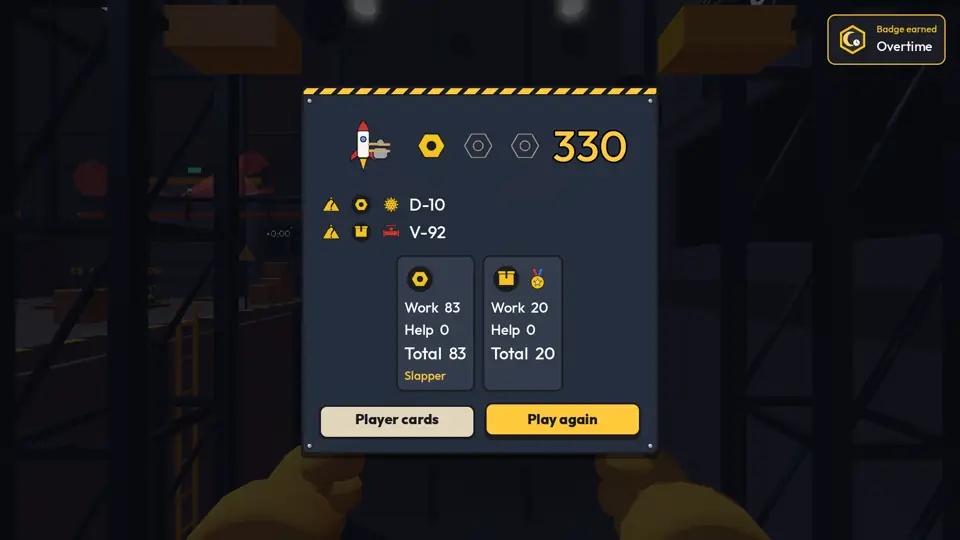
- Clean lift-off: every box ticked. 3 bolts, 500 points.
- Patched lift-off: no empty boxes but some yellow; the rocket wobbles and smokes but makes it. 2 bolts, 250 points.
- Rescue lift-off: every empty spot has someone taped while holding a part, and they fly with the rocket. 1 bolt, 50 points.
- Explosion: an empty spot was left open; the rocket blows up in the air. 0 bolts.
- Boxes also score: tick 100, screwed and taped yellow 60, other yellows 50, rescue 30, empty 0. If the rocket explodes, half the box points count.
- The results screen shows the team score, the bolts and up to 3 possible mistakes. You can open the personal cards (own job and help points), medals and funny titles.
- "Play again" takes you back to the same room's lobby.
Badges
There are 15 badges (first clean lift-off, blow up the rocket, 100 strips of tape, pass on the alarm within 20 seconds, duct-tape hero and more). See them from the main menu. Badges are stored only in this browser.
Watching a game
"Watch a game" in the main menu lists games in progress in public rooms. Private rooms can't be watched.
- The first 30 spectators enter the launch control room behind the glass, the next 50 the viewing area in the street in front of the facility.
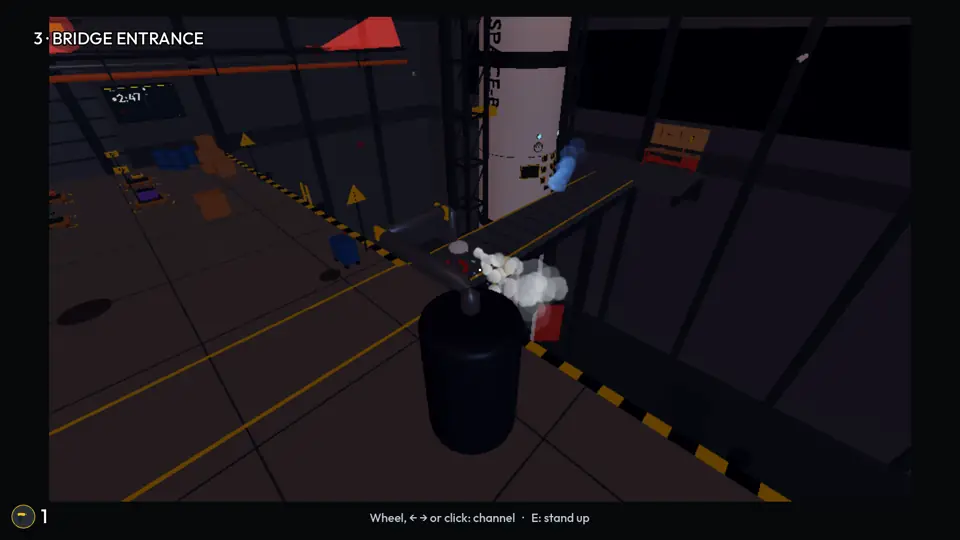
- Spectators can walk around. Sit in a control room seat (E) and its monitor fills the screen; switch channels with the wheel, ← →, a click or a tap: 1–10 security cameras, 11–14 the players' eyes, 15 the logo. Press E to stand up.
- Spectators can slap and goose each other, chat and talk, but only with others in the same area. None of it reaches the players.
- When the game ends you see the lift-off and the results; "Watch list" takes you back to the list.
Settings
In the main menu and the pause menu:
- Mouse sensitivity, field of view, sound and music volume, head bob, language.
- Graphics: "Control room" and "Outside audience" start off; the game runs smoother with them off.
- Keys: change the key for each action, or go back to the defaults.
- Settings and badges are stored only in this browser.
Last updated: