Play in your browser
This is an early prototype of Hold My Bolt!. 2–4 players each play from their own computer: one creates a room and reads out the 6-digit code on their screen, the others press Join and type it in. Everyone controls their own worker and sees only their own role's information, so describe what you see to each other over a voice chat app. It also runs on a single computer: then every worker shares one keyboard and you switch between them with F1–F4; play with two workers on one keyboard, because with three or four workers two people have to do the assembly at the same time.
This prototype needs a keyboard; it doesn't work on phones or tablets. Open it on a computer.
About 12.7 MB to download; it's quicker next time.
If keys don't reach the game, click on it. To leave the game with the keyboard, press Shift+Tab.
How to play
- One of you presses Create room in the menu (house and plus icons); a 6-digit code appears. The others press Join (arrow and house icons), type the code and press Enter.
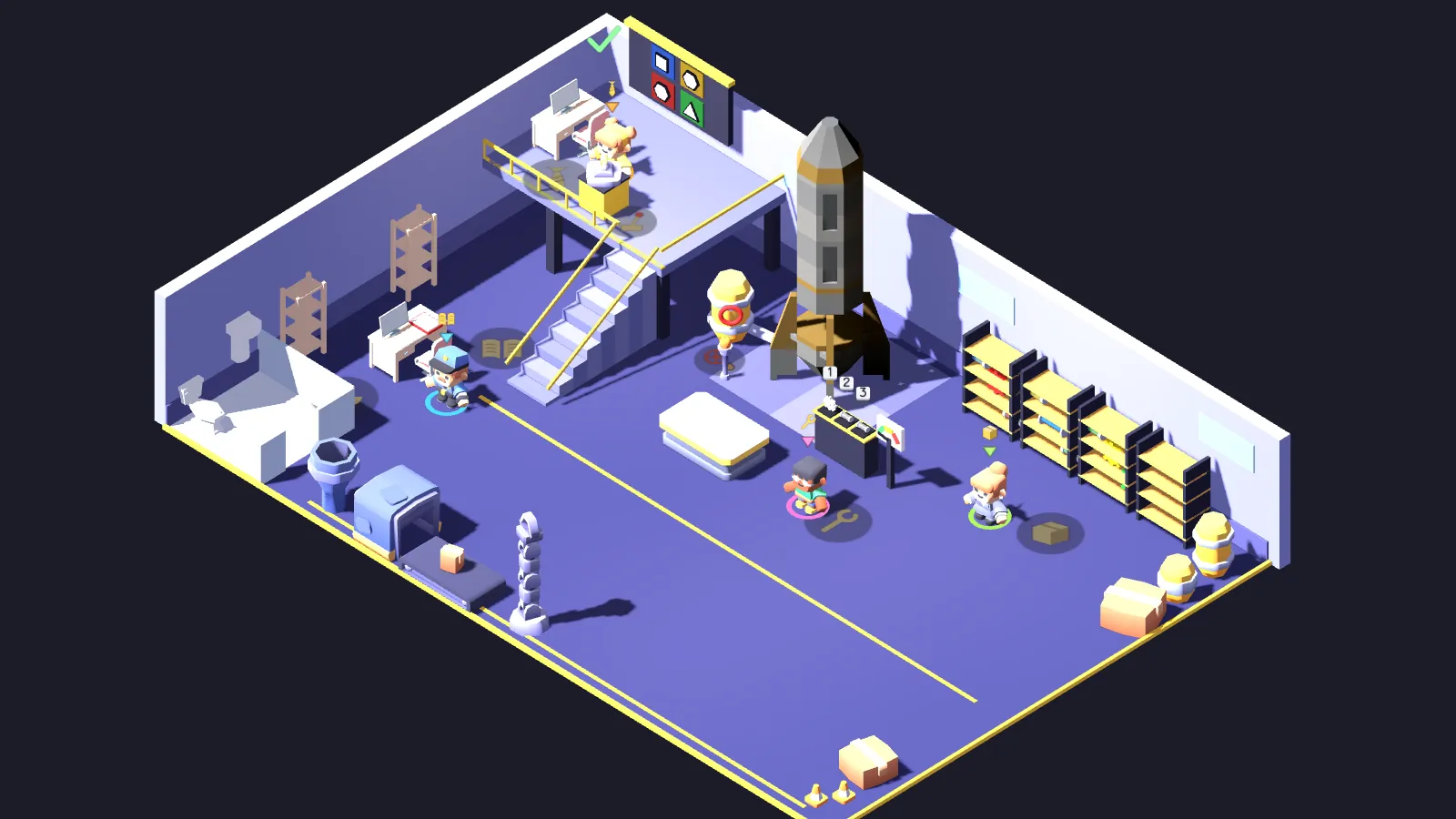
- When everyone is in, whoever created the room presses Enter and the shift starts. The game runs in that player's browser, so they should keep the game tab open and in front (in a background tab the game pauses for everyone). When the alarm goes off, the Manager reads the panel best, the Analyst the manual, Logistics the store room, the Technician the assembly bench; tell each other what you see.
- Carry the right part from the store room to the assembly bench, bolt it into the right socket facing the right way (with three or four players, while someone braces the bench), then have the Manager pull the lever to launch the rocket.
Controls
- W A S D or arrow keys
- Walk
- Shift (hold)
- Run
- E or Space
- Pick up a part; grab the other end of a part someone is carrying; put it on a shelf, the bench or the floor; use a station. Hold the key down for the lever, bolting, bracing, unbolting, the valve and mopping up oil.
- Q
- Drop what you're carrying or let go of the end you're holding
- F
- Shove the worker in front of you
- 1 2 3
- Pick a socket at the assembly bench
- R
- Change the part's direction at the assembly bench
- Tab
- Analyst: turn the page of the maintenance manual (without holding Shift; Shift+Tab leaves the game)
- Enter
- Vote for another shift on the result screen
- Esc
- Whoever created the room goes back to the room screen with everyone (anyone who left can rejoin, Enter starts again); players who joined leave the room; on a single computer, back to the main menu
- Arrow keys and Enter in the menu
- Move and select
- 0–9 and Enter when joining
- Type the room code and join; Backspace deletes
- F1 F2 F3 F4 on a single computer
- Switch worker (with Fn on a Mac); in the menu, left and right change the number of workers (2–4), two are best on one keyboard
The game loads its files only from this site and stores nothing in your browser. In online play, game data (where your worker is and the game keys you press) goes only to the players in your room, through our room server; it isn't recorded.
Last updated: